Things I Wish I Knew Before Learning Blender
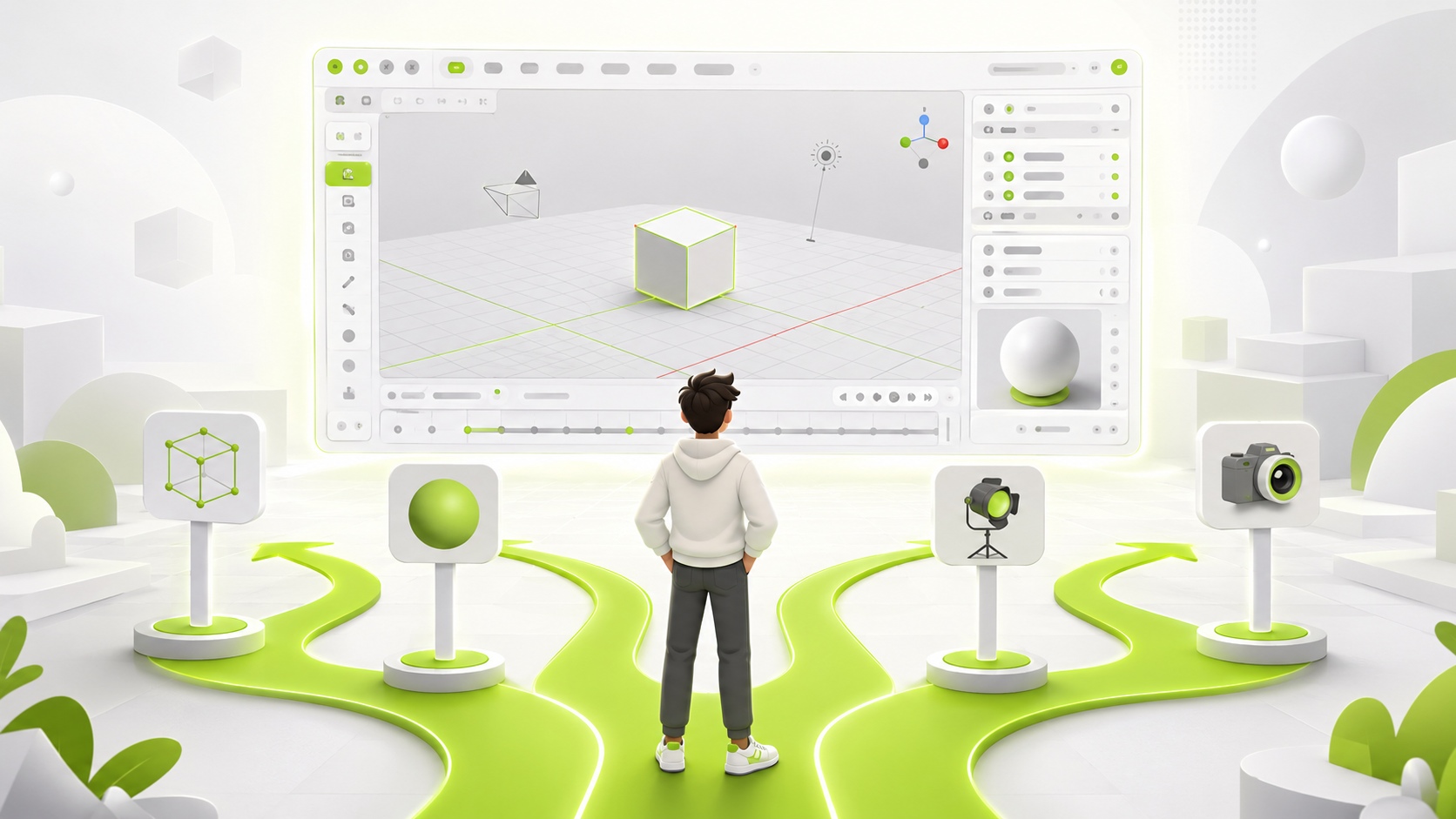
Learning Blender can be an incredibly rewarding journey, but looking back, there are a few lessons I wish I had known before diving in. Whether you're just starting or considering exploring 3D art, these insights can save you time, frustration, and even a little hair-pulling.
Blender Has a Steep but Flexible Learning Curve
Blender is powerful, versatile, and completely free—but it can feel overwhelming at first. There's a lot to learn: modeling, sculpting, texturing, lighting, animation, and rendering. Don't expect to master everything overnight. The good news? Blender allows you to start small. Focus on one skill at a time, like modeling simple objects, and build from there.
Here's a fun fact about Blender's history:
Blender 3D was born in 1994 as an in-house tool for a Dutch animation studio named NeoGeo. Its creator, Ton Roosendaal, named the software after the song "Baby" by the electronic band Yello—which the studio frequently used in their showreels—and it has since grown into a powerhouse used in major Hollywood films and AAA games.
Keyboard Shortcuts Are Your Best Friend
Blender's interface is highly customizable, but it can be a bit daunting at first. Learning the keyboard shortcuts will speed up your workflow and make you more efficient. For example, pressing G allows you to grab and move objects, while S scales them. Spend some time memorizing the most common shortcuts—they'll become second nature in no time.
Don't Be Afraid to Experiment
One of the best ways to learn Blender is by experimenting. Don't worry about making mistakes—it's all part of the learning process. Try out different tools, play with materials and lighting, and see what happens. You might discover new techniques or styles that you enjoy.
Blender's undo system (Ctrl+Z) is forgiving, and mistakes are invaluable teachers. Every misstep—like a flipped normal or a misaligned vertex—teaches you something about 3D space, topology, or workflow.
Topology and Mesh Cleanliness Are Important
When modeling, it's crucial to pay attention to topology—the way your mesh is structured. Clean topology with quads (four-sided polygons) will deform better during animation and make texturing easier. Avoid n-gons (polygons with more than four sides) and try to keep your edge flow logical. This will save you headaches down the line, especially if you plan to animate your models.
Good-looking renders aren't just about textures and lighting. The underlying mesh structure matters. Avoid messy geometry early on, as fixing it later can be painful. Learning about edge loops, quad-based modeling, and face orientation will pay off significantly.
Lighting and Materials Can Make or Break Your Scene
Even the best model can look flat and uninteresting without proper lighting and materials. Spend time learning how to set up lights and create materials that react realistically to light. Experiment with different types of lights (point, sun, area) and material properties (roughness, metallic, transparency) to achieve the look you want.
Community Resources Are Lifesavers
The Blender community is incredibly supportive and resourceful. Take advantage of forums, tutorials, and social media groups to ask questions, share your work, and learn from others. Community members often share tips, tricks, and custom scripts that can significantly enhance your workflow.
Practice Consistently, Not Intensively
Consistent practice is more valuable than intense, sporadic sessions. Set aside time each day to work on your Blender skills, even if it's just for a few minutes. This regular engagement will help you build muscle memory and improve your understanding of the software over time.
In conclusion, learning Blender is a journey filled with challenges and rewards. By understanding the learning curve, embracing shortcuts, experimenting freely, paying attention to topology, mastering lighting and materials, leveraging community resources, and practicing consistently, you'll set yourself up for success in the world of 3D art.
If I had known these lessons earlier, I would have avoided a lot of wasted time and anxiety. But in the end, every challenge taught me something valuable—about 3D art and about persistence.
Happy blending!